🧠
How can I help?
Pick a starter below, or just type what's on your mind.
Starters
Pick a starter below, or just type what's on your mind.
SkillQuest ZIP or PDF. DOCX upload is available as an upgrade. Max 30 MB for documents; package ZIPs can include book assets.
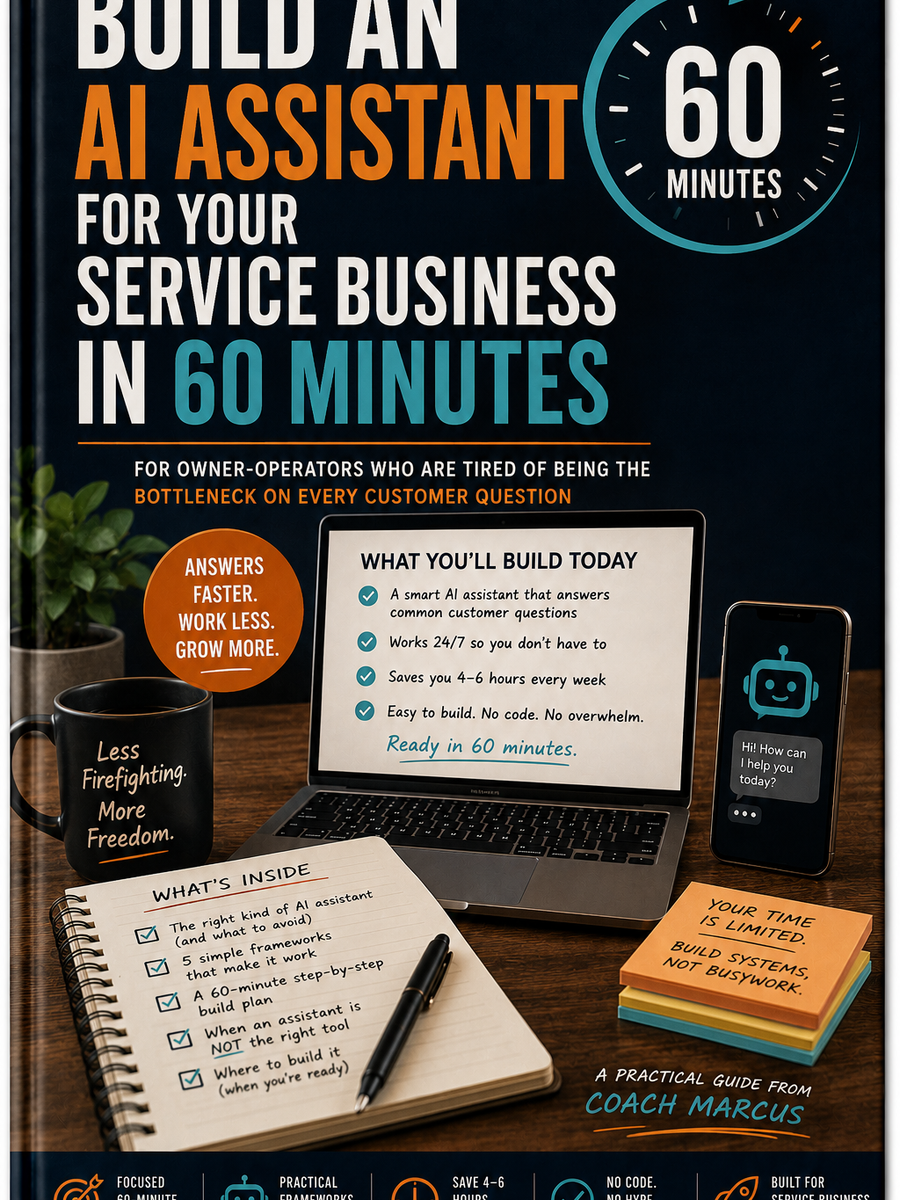
Promise that an assistant replaces human judgment on high-emotion calls. It does not.
Walk through specific platform UIs in deep detail - those change every quarter; the methods do not.
Tell you exactly which tool to buy. We point you somewhere, but the methods work elsewhere too.
v1.0 (this book) - the foundation: methods, frameworks, 60-minute build.
v1.1 - three industry-specific worked examples (HVAC, dental, legal). Free upgrade for v1.0 buyers.
v1.2 - measuring what your assistant saved you (the ROI chapter). Free upgrade for v1.0 buyers.
Owner-operators of small service businesses - one to fifteen people on the team. HVAC, plumbing, dental practice, landscaping, accounting, agency, law firm, real estate brokerage, IT support, cleaning, electrical, pest control, mobile mechanics. If your week looks like answering the same dozen questions over and over, this book was built for you.
If you are running a Fortune 500 customer service organization, the principles still apply - but you need a vendor relationship, not a $14.99 book. If you have zero customers yet, build the customer base first; you cannot automate what does not exist.
Three short chapters. The goal here is recognition, not instruction. By the end of Part 1 you should be able to say, "Yes - that is what is happening in my business right now."
Open your sent folder. Look at the last 50 messages you sent to customers - email, text, whatever you use most.
Count how many were genuinely unique conversations that required your judgment. Real estimate, no flattery.
For most service-business owners I talk to, the number sits between fifteen and twenty. The other thirty to thirty-five were variations on the same dozen questions.
DigitalExpo books are different — not traditional ebooks or audiobooks.
Tap the green COACH button in the toolbar to ask questions, explore concepts, practice what you’re learning, and personalize the experience as you read.
The book gives you the knowledge. The Coach helps you turn it into understanding.